

Preferences
Account settings, profile, language and usage
This page covers the settings that shape how you use Alur: your profile, the app language and your usage numbers. They all live in Settings, which has its own sidebar with Profile, Preferences, Usage, Agents (see Agents) and Invite (see Invite people).
Open settings
- Open the account menu (your name at the top of the sidebar).
- Choose Settings.
- To leave, click the × button in the top-right corner, or press Esc.
Closing Settings takes you back to the page you opened it from. If you opened a Settings page directly by its address, closing it takes you to the dashboard.
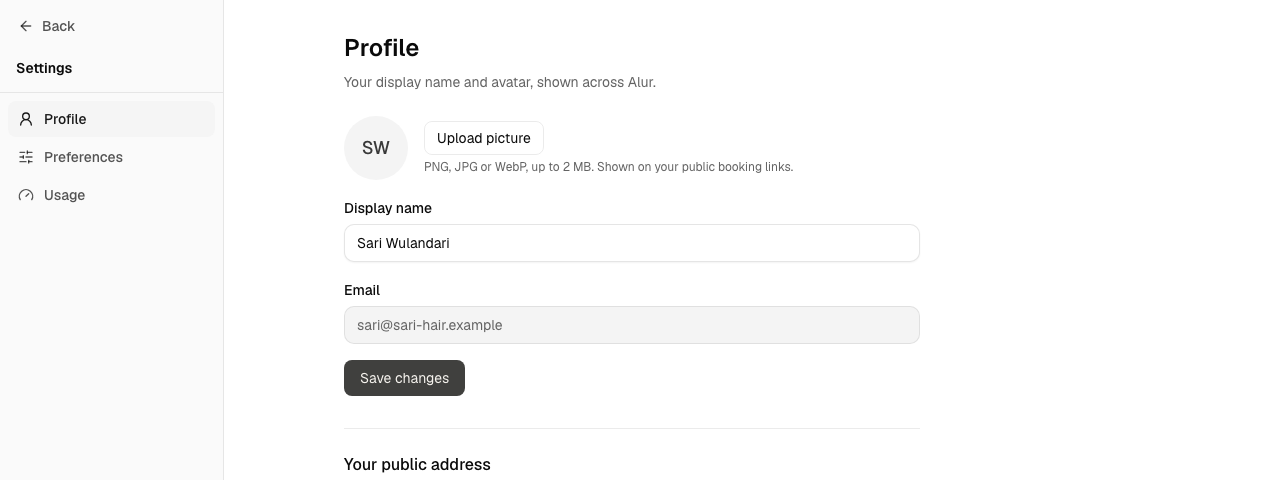
Change your display name
- Open Settings → Profile.
- Edit your display name.
- Save.
Change the language
- Open Settings → Preferences.
- Pick English or Bahasa Indonesia.
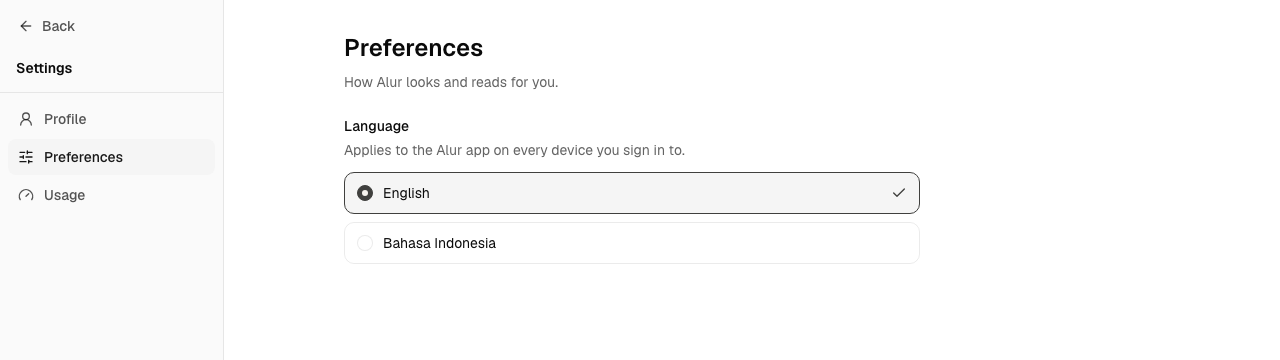
The change applies as soon as you pick it.
Profile
Your display name is shown across Alur next to a generated avatar (your initials). Email is shown read-only here. Changing your email or password while signed in, connected accounts, and session management aren't on this page yet. To change a password, use Forgot your password? on the sign-in page.
Language
The language follows you to every device you sign in to. Dates and numbers use the same language (times are still shown in UTC). Until you pick one, Alur uses your browser's language if it's Indonesian, and English otherwise.
Some words stay in English in every language because they name Alur concepts you'll also see in these docs: Workflow, Step, Trigger, Run, Test run, Draft, Publish and Connection.
Alur's home page and these docs are available in both languages: English at /
and /docs, Bahasa Indonesia at /id and /id/docs. Their language follows the
address, not your Preferences choice; use the language switcher on those pages to
change it.
Usage
Settings → Usage shows your workflow and run activity: active vs. total workflows, runs over the last 30 days (with the trend vs. the prior 30 days), today's runs, success rate, a daily breakdown chart, and a run count for your 10 most active workflows.
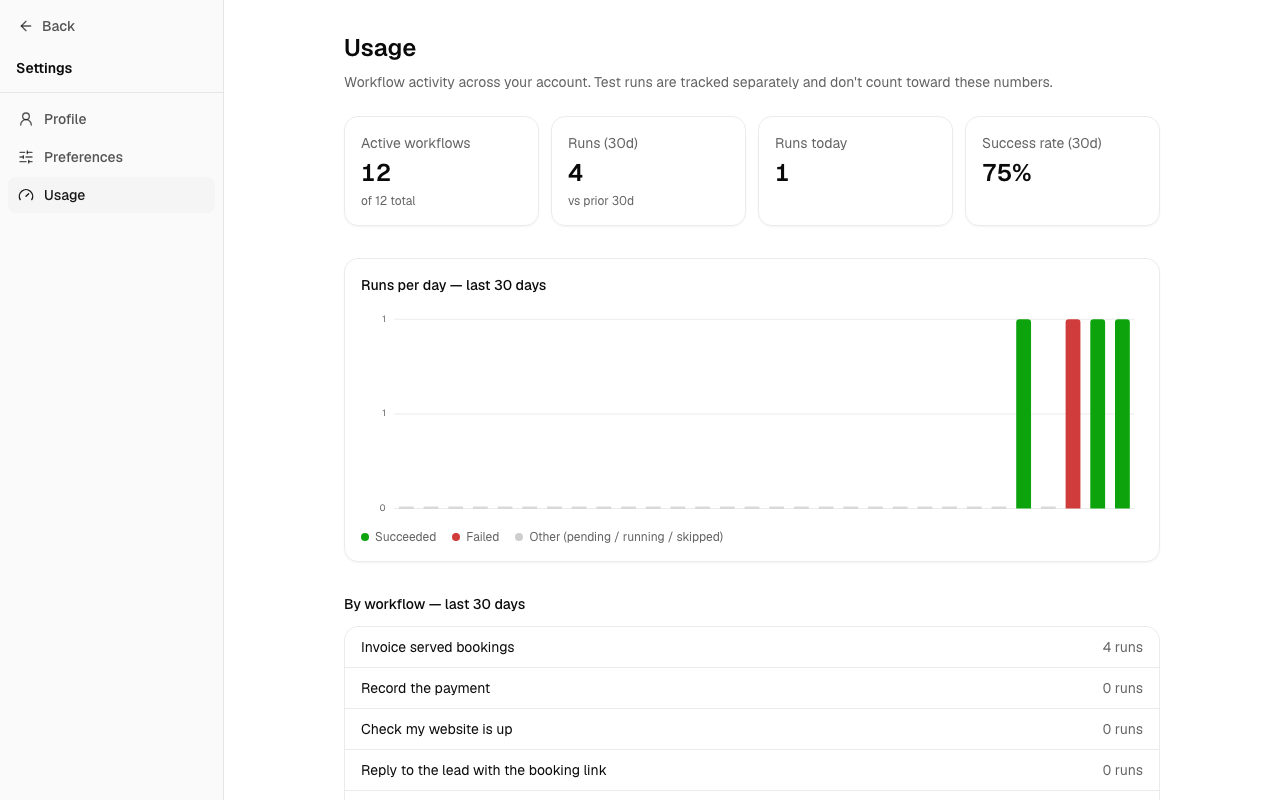
Test runs (from Test run in the editor) are tracked separately and excluded from these numbers — they're for iterating on a workflow, not usage you'd be measured on.